Daily Scroll
One task. A little more room.
Review an action step, choose a time, and keep the context with it.
5 screens · Guided walkthrough

MY FULL DAY · IPHONE APP
Start at Home, see your day in Agenda, or take a look around with Daily Scroll. Explore the examples below to see how the pieces work together.
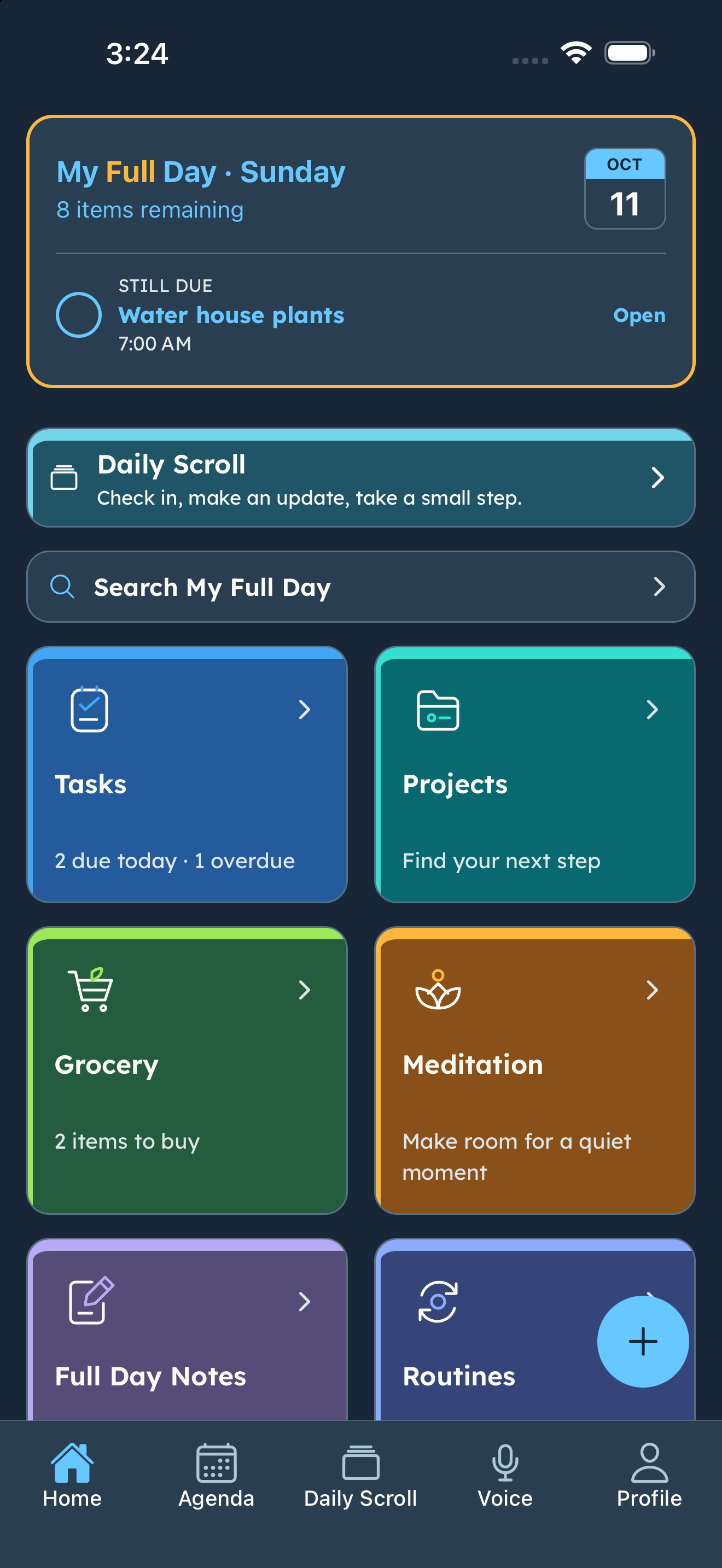
A FIRST LOOK AT THE PHONE
Explore real phone screens, one step at a time. Click the highlighted action or use Next. These screenshot examples don’t change your account.
Daily Scroll
Review an action step, choose a time, and keep the context with it.
Agenda
See your day together and open the details when you need them.
Tasks
Keep the task and its next steps connected.
Routines
Give recurring responsibilities a schedule and reminders.
Groceries
Choose your store, then use Quick Shop to focus on what you need.
Get the app and add one task or routine that’s useful to you.